Current version

  • Setuphelfer Core: 1.5.0.0
  • Release date: see GitHub Releases
  • Supported systems: Raspberry Pi OS, Debian/Ubuntu-based Linux

New versions and changes are documented through GitHub Releases.

Raspberry Pi

Recommended for music box, photo frame, small home servers and compact learning projects.

  • Pi 4 or Pi 5 recommended
  • 4 GB RAM is reasonable; more is nicer
  • Plan external storage for larger projects

On GitHub Releases pick the package for your Pi (e.g. .deb or installer).

Linux PC

Better suited for NAS, larger container setups, several services and heavier scenarios.

  • Current Linux install
  • 8 GB RAM or more for demanding setups
  • More room for Docker, services and development

Same release page: choose the amd64/desktop artefact when several builds are listed.

First steps after download

Start the installer
Check local access and open the frontend cleanly.
Review the system
Assess hardware, storage, network and running services.
Secure the base
Updates, users, backup — then projects.

Installation paths

Desktop / Linux PC

Good for quick access to monitoring, backup and services with more performance headroom.

./start.sh
python3 -m backend.app
npm run tauri:dev

Raspberry Pi

Lightweight setup focused on stability, networking and repeatable updates.

sudo apt update && sudo apt upgrade -y
sudo systemctl enable piinstaller-backend
sudo systemctl start piinstaller-backend

Security notes

  • Download installer packages only from trusted sources.
  • After install, enable updates and backup right away.
  • Before production use, read the hardening documentation.

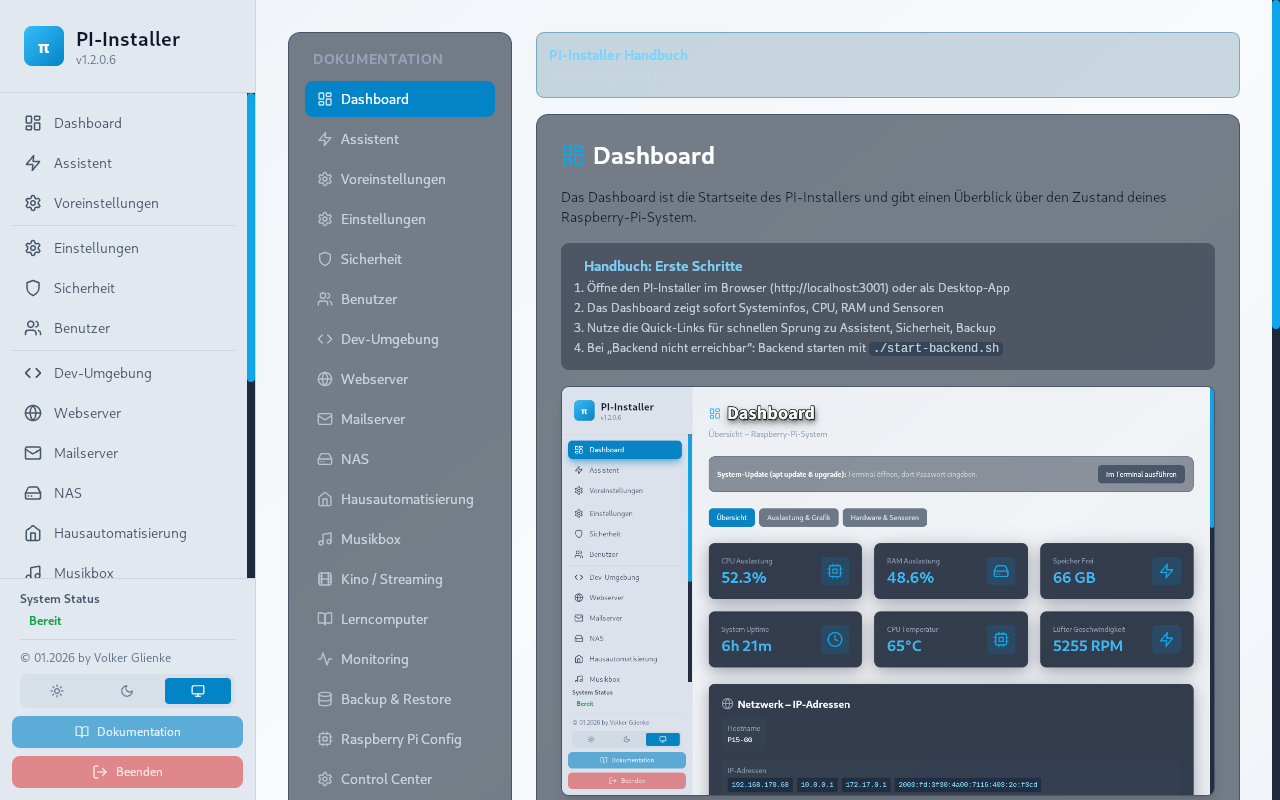
Product view (current build)

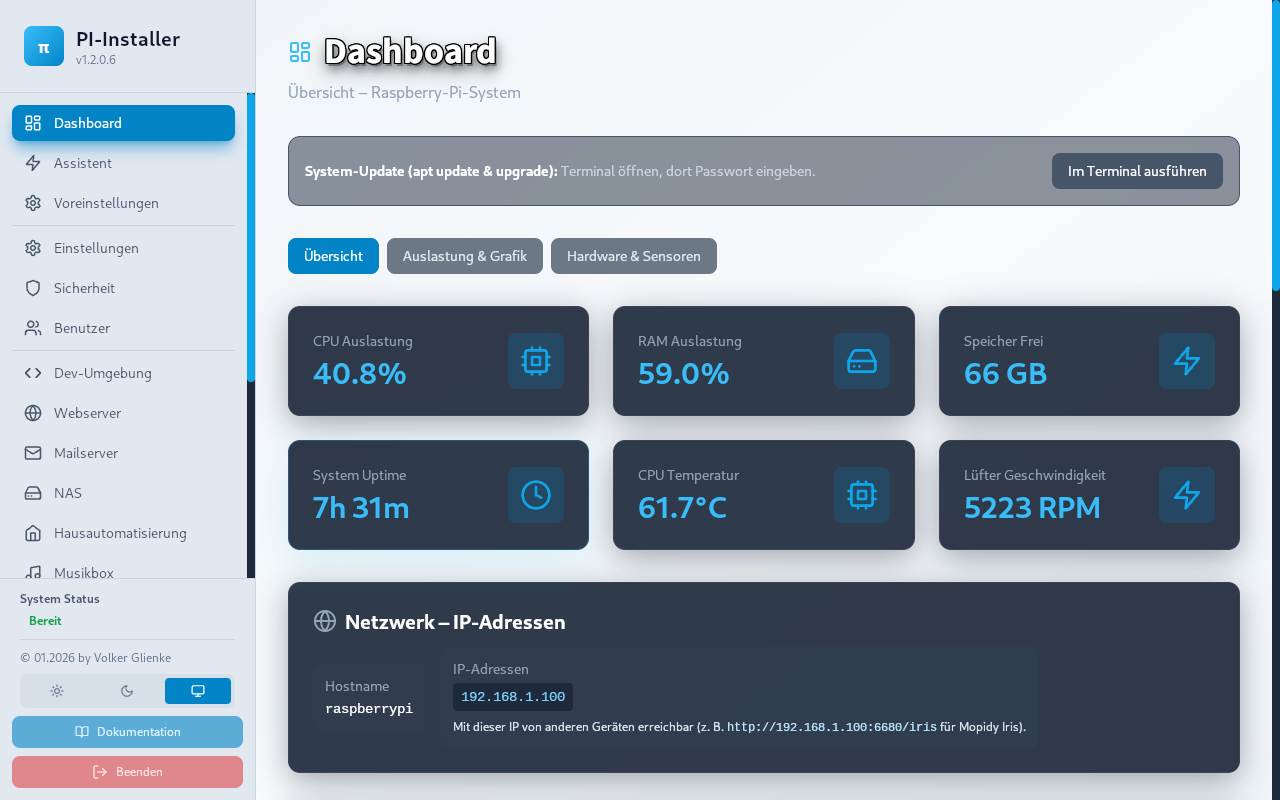
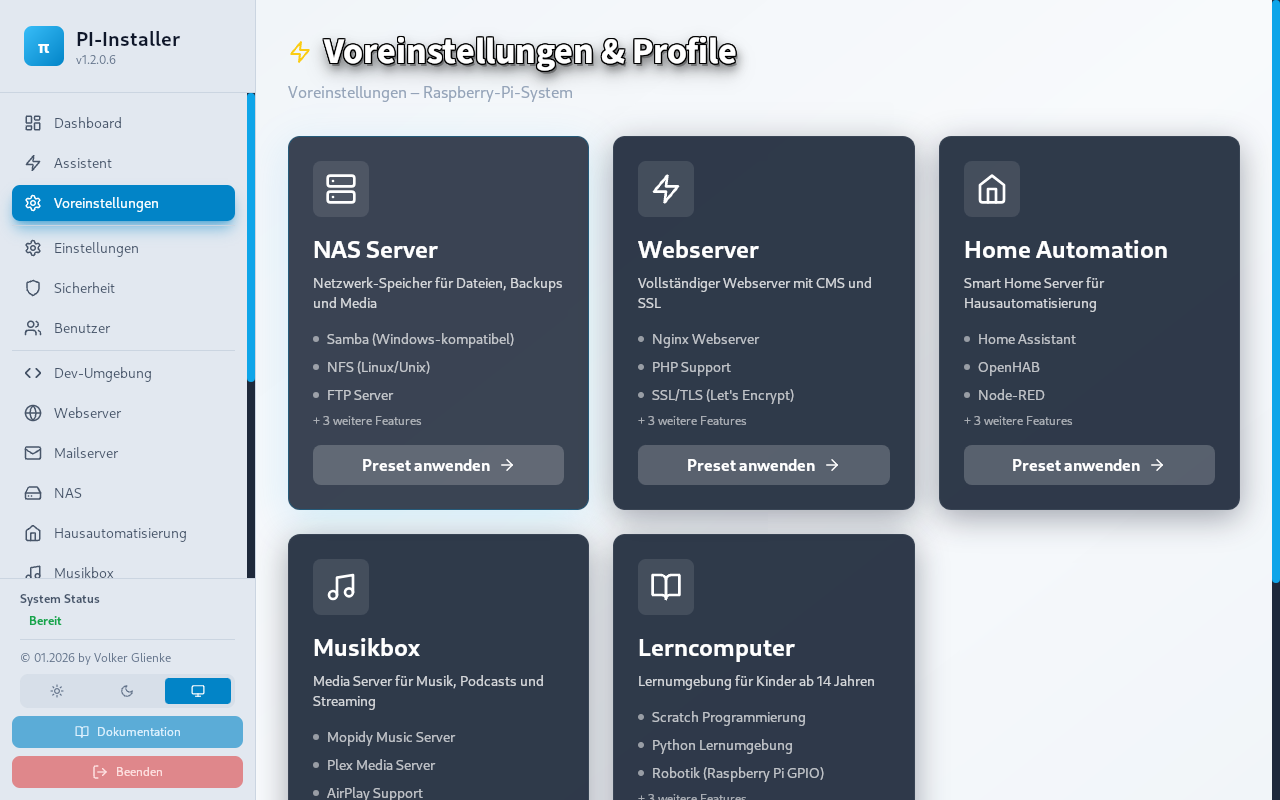
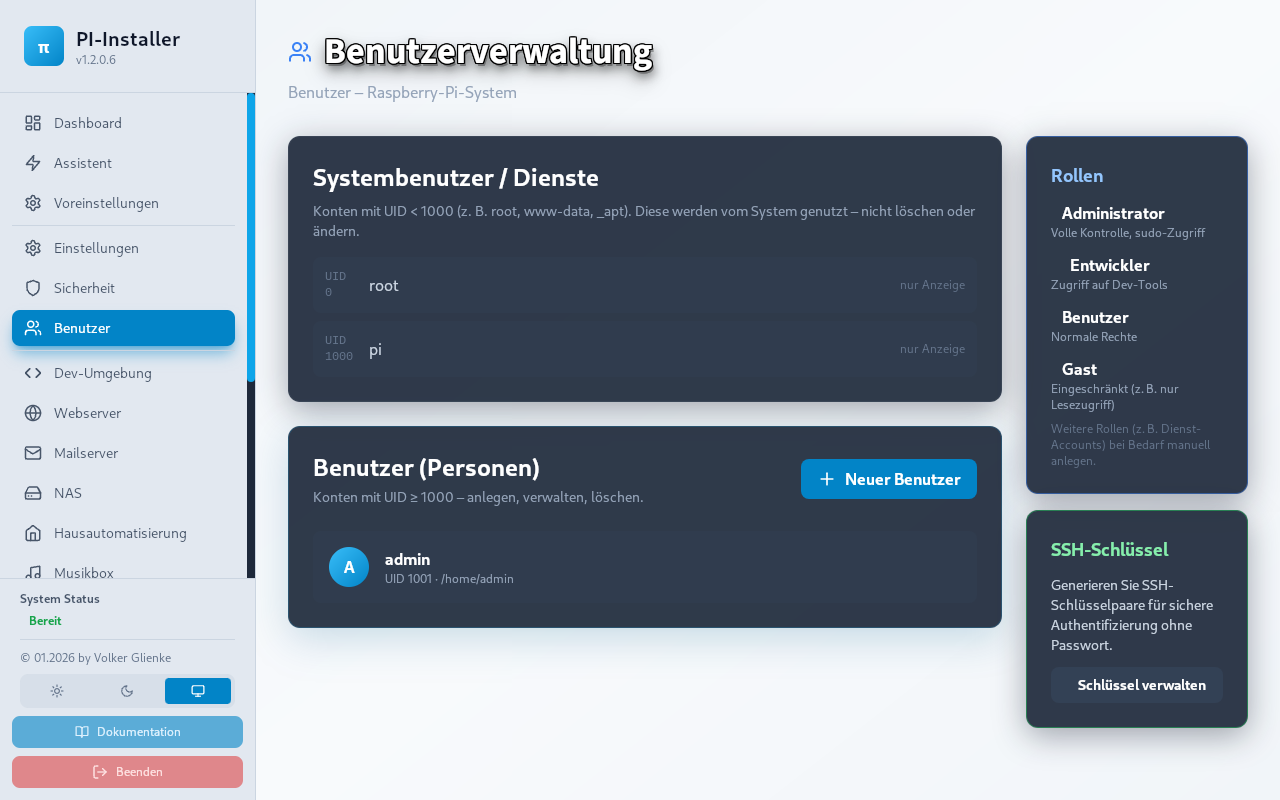
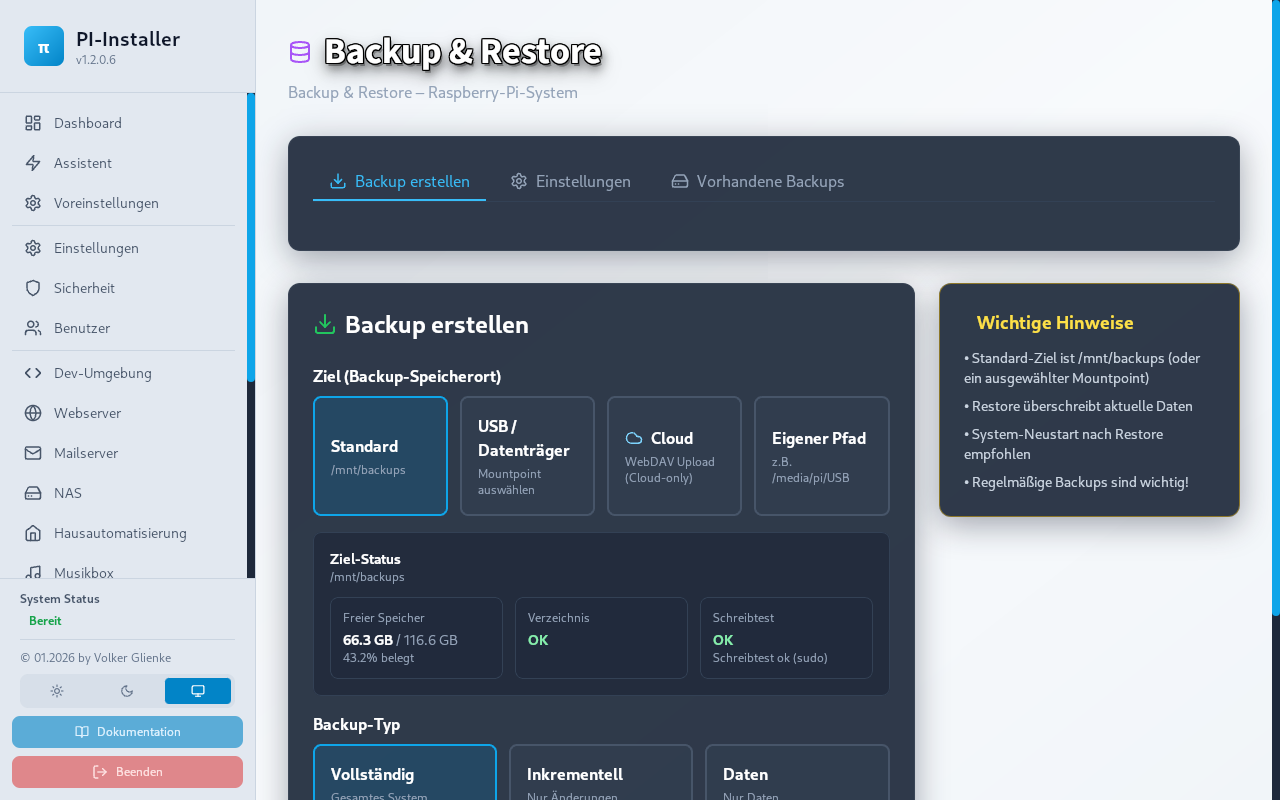
Note: Screenshots are captured from the running app (not mockups). Missing images show a placeholder with the expected filename until exported from Tauri.

Setuphelfer Core dashboard
Dashboard
Presets in Setuphelfer Core
Presets
Security section in Setuphelfer Core
Security
User management in Setuphelfer Core
Users
Backup section in Setuphelfer Core
Backup
Documentation in Setuphelfer Core
Documentation

Shipped in the theme under assets/screenshots/; align with docs/screenshots/ or frontend/public/docs/screenshots/ in the dev repo.

Active development

Setuphelfer is open source and under active development. Recovery and backup mechanisms remain at the centre; releases are documented transparently through GitHub. No roadmap promises, no fixed dates, no automatic updates.

Setuphelfer on GitHub

Source code, issues and discussions in the official repository.

Setuphelfer on GitHub

Releases

Versioned builds with changelog entries and artefacts.

View releases

Active development

Recent commits, branches and open topics directly in the repo.

Follow development

If something fails

Troubleshooting · Community

Installation FAQ

Which system is recommended?

For beginners: Raspberry Pi 4/5 or a Linux PC on a current Debian/Ubuntu base.

Why two cards under “Packages”?

They describe typical scenarios (Pi vs desktop/Linux PC). Downloads are on the same GitHub release page; pick the matching artefact there.

What if the connection fails?

Check health first, then network/firewall path, then restart services.

Where are the next steps?

In the tutorial area and in the documentation with linked diagnostics.